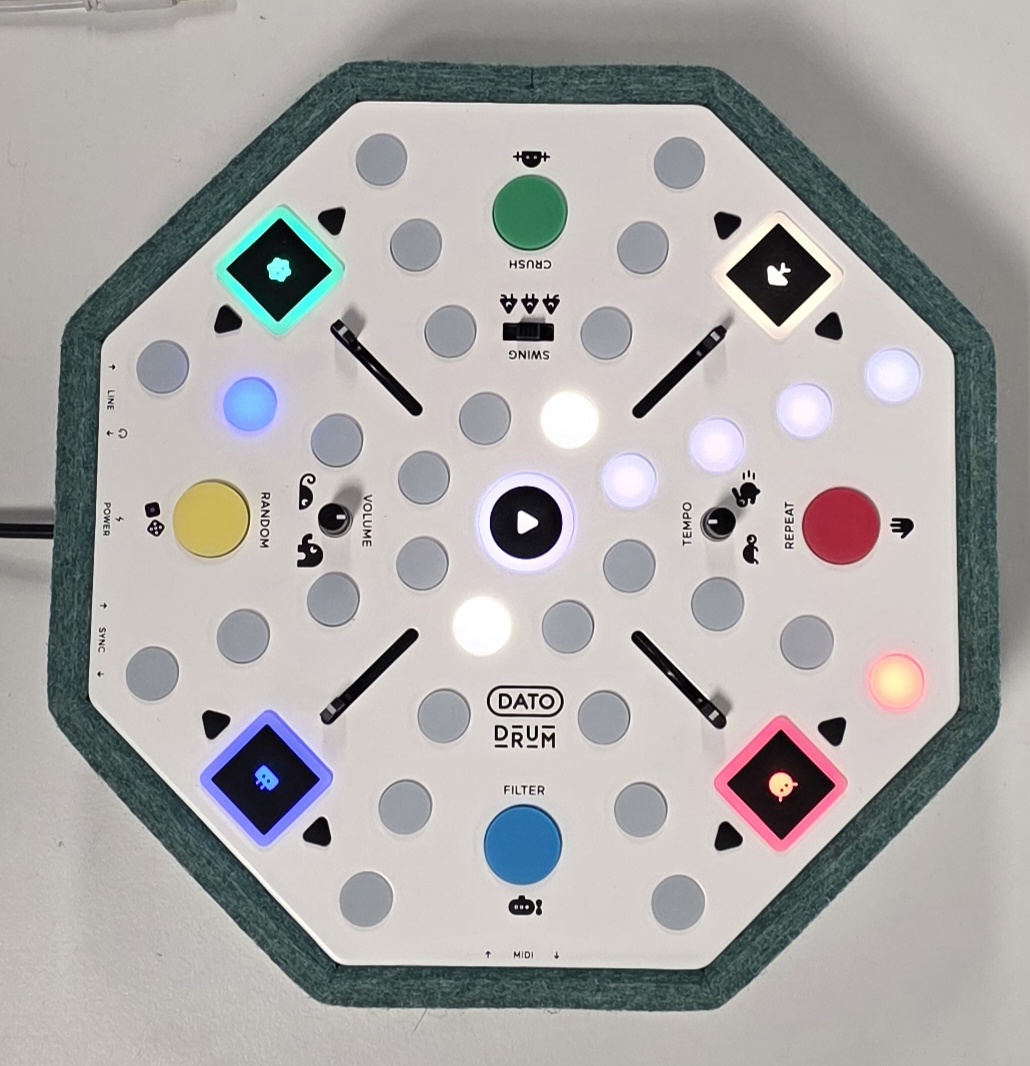
Visual Check
- No wobble
- Paint, print and felt look good
- Bottom screws are fully screwed
- Felt and bottom metal are equally spaced all around
- Sticker is positioned correctly
- Feet are attached correctly
Functional Test
- Plug in all plugs
- Turn volume up and put on headphones
- Do SYNC test
- Unplug line in, sync in and out
- Make sure sequencer is stopped. Test all sequencer buttons
- Program sequence with one kick, one snare and two hats
- Turn tempo halfway and start the sequencer. Test TEMPO and VOLUME
- Test drumpad in both pressure states, slider up and down
- Repeat for all drumpads/sliders
- While holding one drumpad, test the swing switch both ways
- Test RANDOM, CRUSH, REPEAT and FILTER both pressure states
- Stop the sequencer
- Test all sample select buttons
- unplug headphone
- Qualitative sound check over speakers at max volume
- MIDI loopback test
- Set sliders and rotary pots to middle
Clean
The DRUM is clean, no smudges, no lint and no finger prints